- From the Schedule feature, select the session by clicking on the time or title.
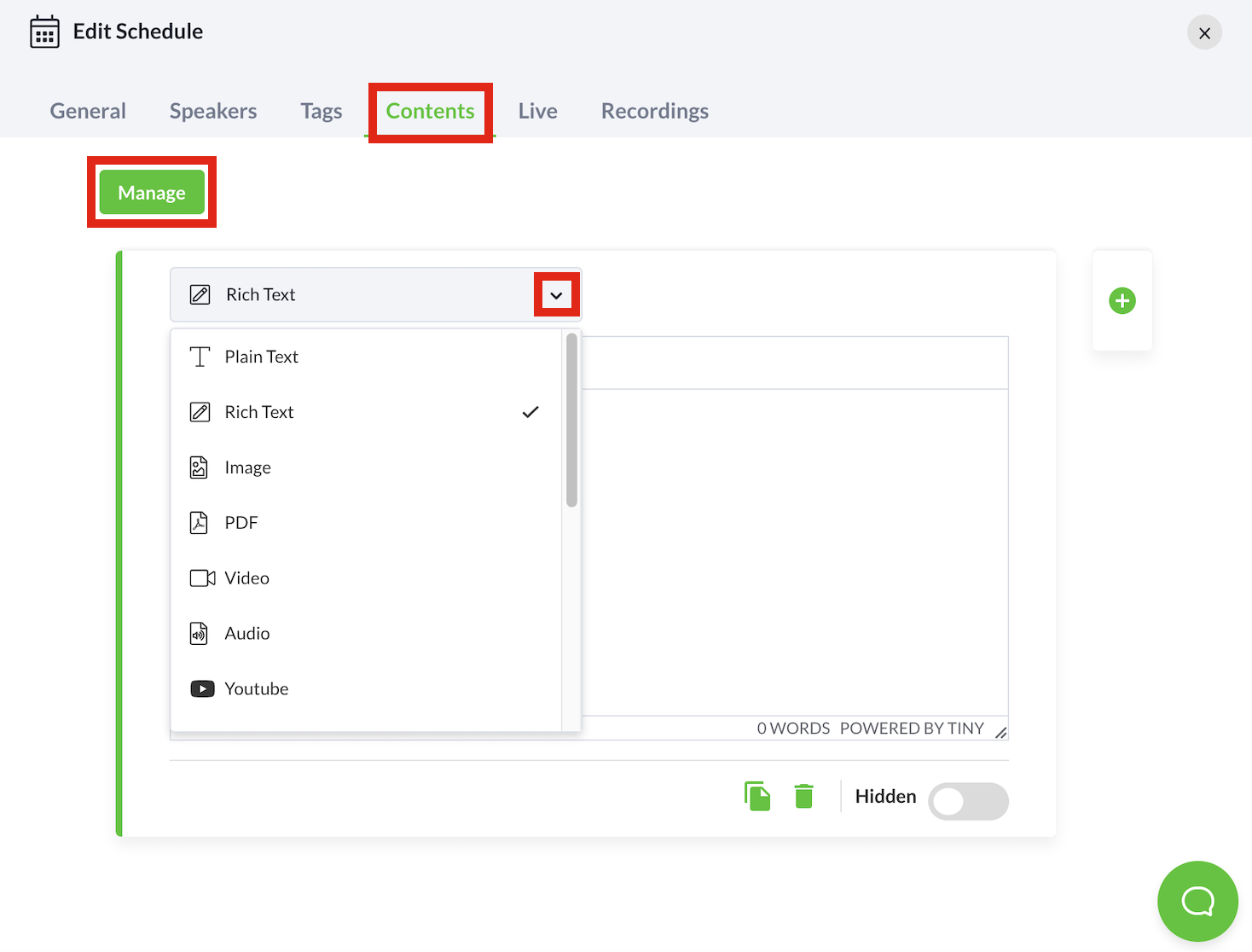
- Select the Contents tab.
- While on the Contents tab, select the Add Content button.
- Choose your type of content and fill in the relevant details.
- Micepad automatically saves the changes made. However, you can manually save the changes as well by selecting the Manage button, followed by the Save Changes button.