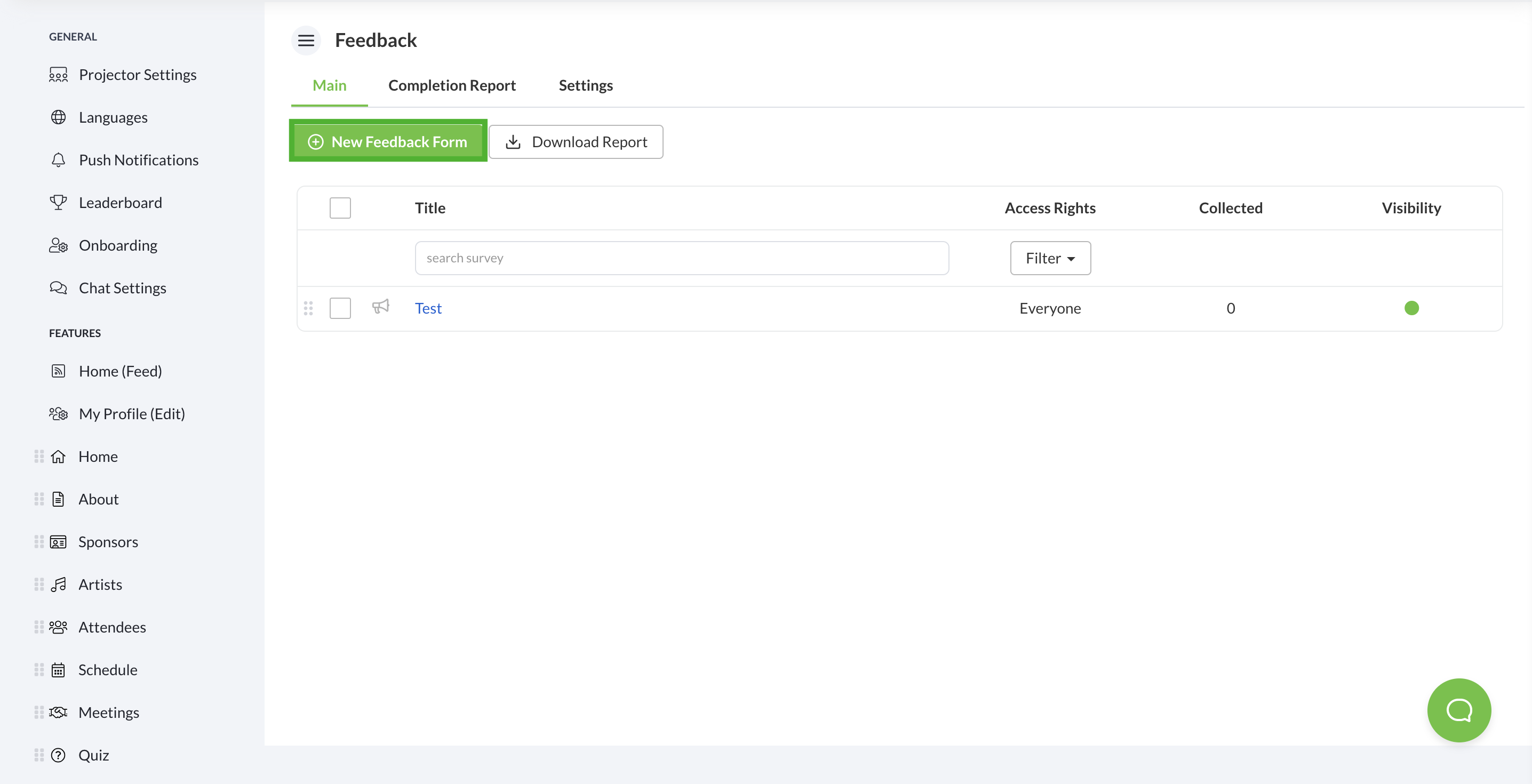
1. From the Schedule feature, select the + New Schedule button.
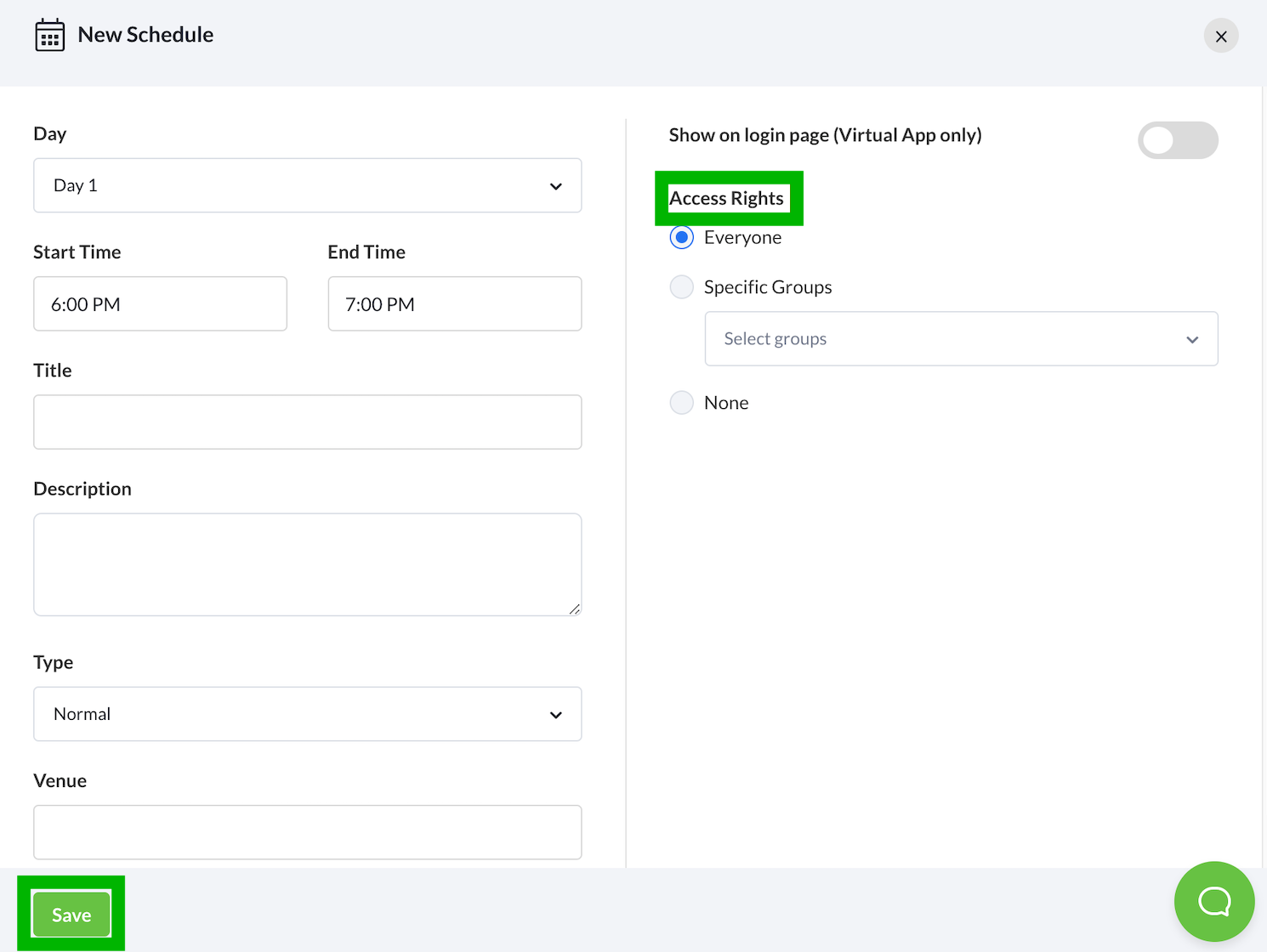
 2. Fill in the relevant details. For multi-day events, select the Day as well. Do note that you can edit the Day dropdown list from managing your event days in part b.
3. (Optional) You can also toggle the schedule’s accessibility by changing the Access Rights.
4. Select the Save button