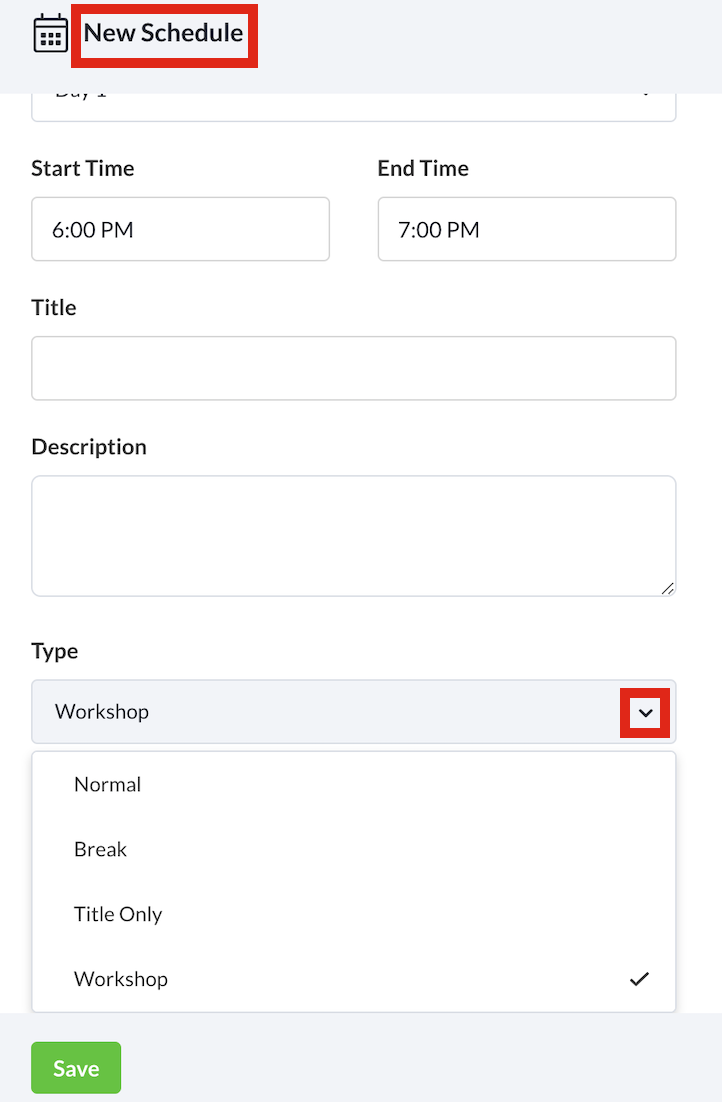
Note: Creating breakout sessions is only available to workshops
- Select + New Schedule to create a new session.
- Fill in the relevant information for your session and select the start and end time. Add any Speakers or Tags relevant to your session.
- From the Type dropdown list, select Workshop.
- (Optional) You can also toggle the schedule’s accessibility by changing the Access Rights.
- Select Save to save the session.
- From the Schedule feature, select + Add Breakout on the session that you want to add the breakout to. Do note that this is only available to workshops.
- Fill in the relevant information.
- (Optional) You can also toggle the breakout’s accessibility by changing the Access Rights.
- Select Save to save your breakout session.
- Repeat as necessary for the number of breakout sessions.