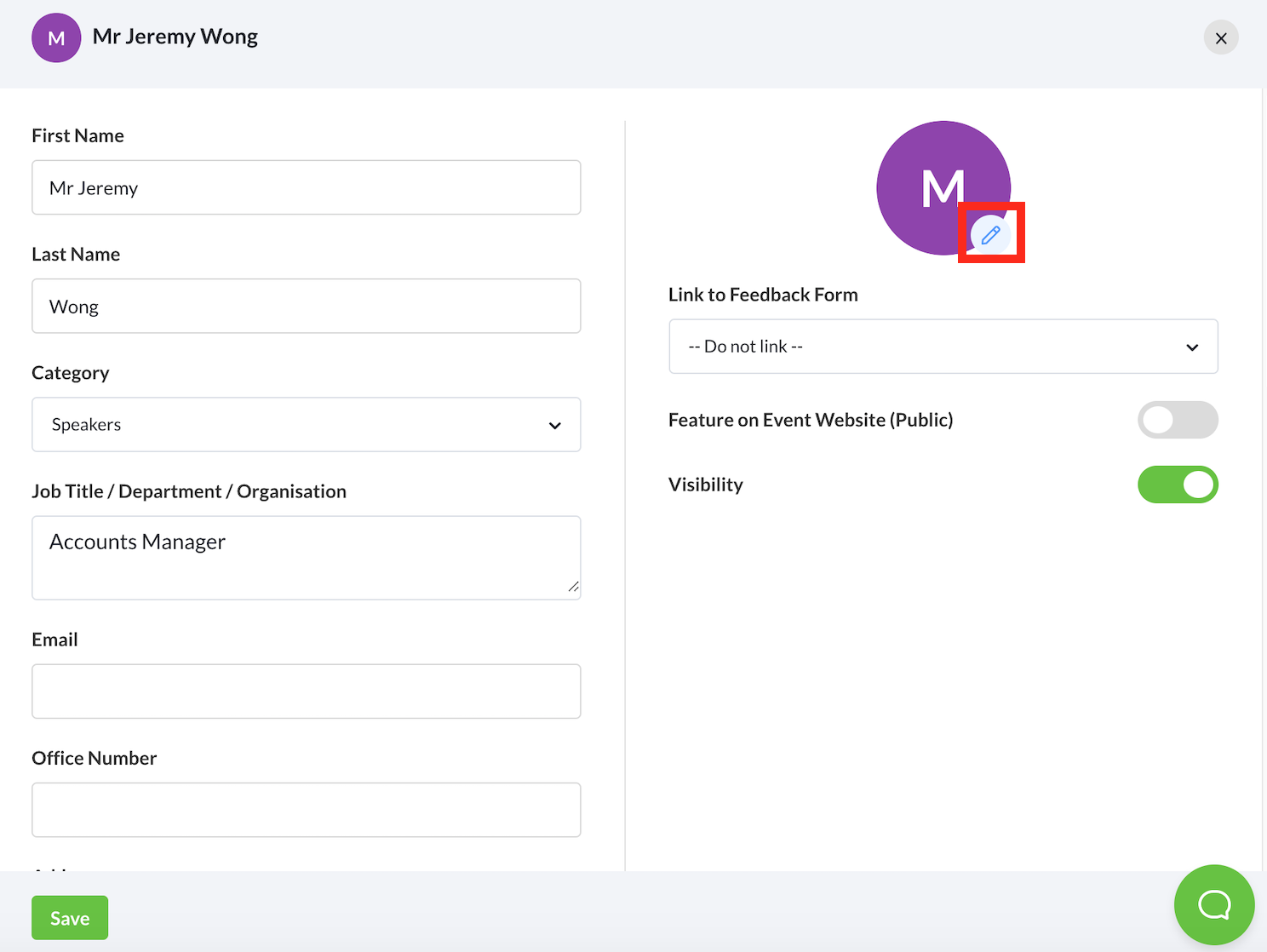
1. From the Speakers feature, select the speaker’s name whom you want to add a profile picture to.
2. Scroll down and select the pencil icon on the circle logo.
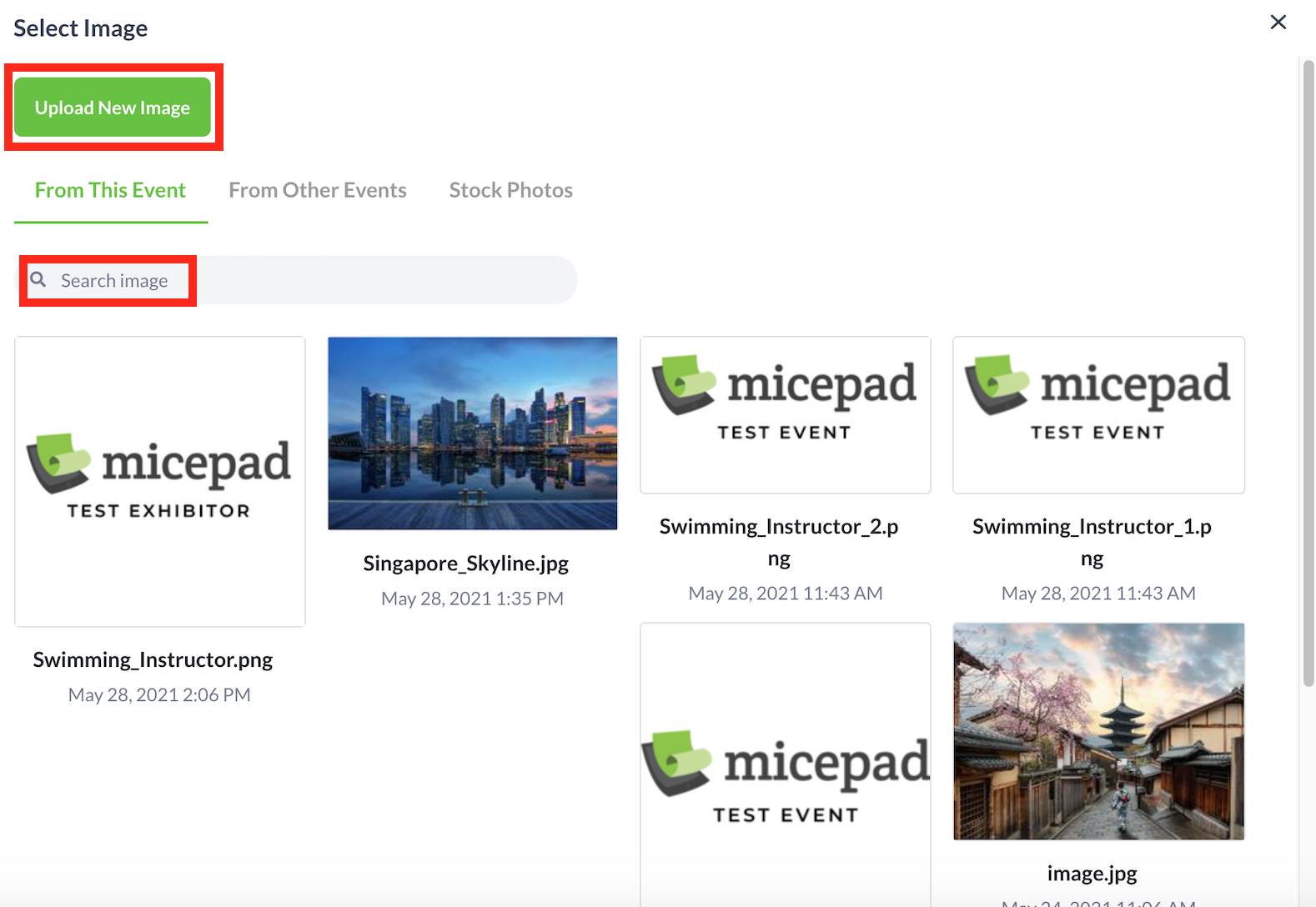
3. Select the relevant photo to be used as the profile picture. Alternatively, upload a new image by selecting the Upload New Image button.
4. Adjust the frame for the profile picture and select the Save button.