- From the Schedule feature, select the session by clicking on the time or title of the event.
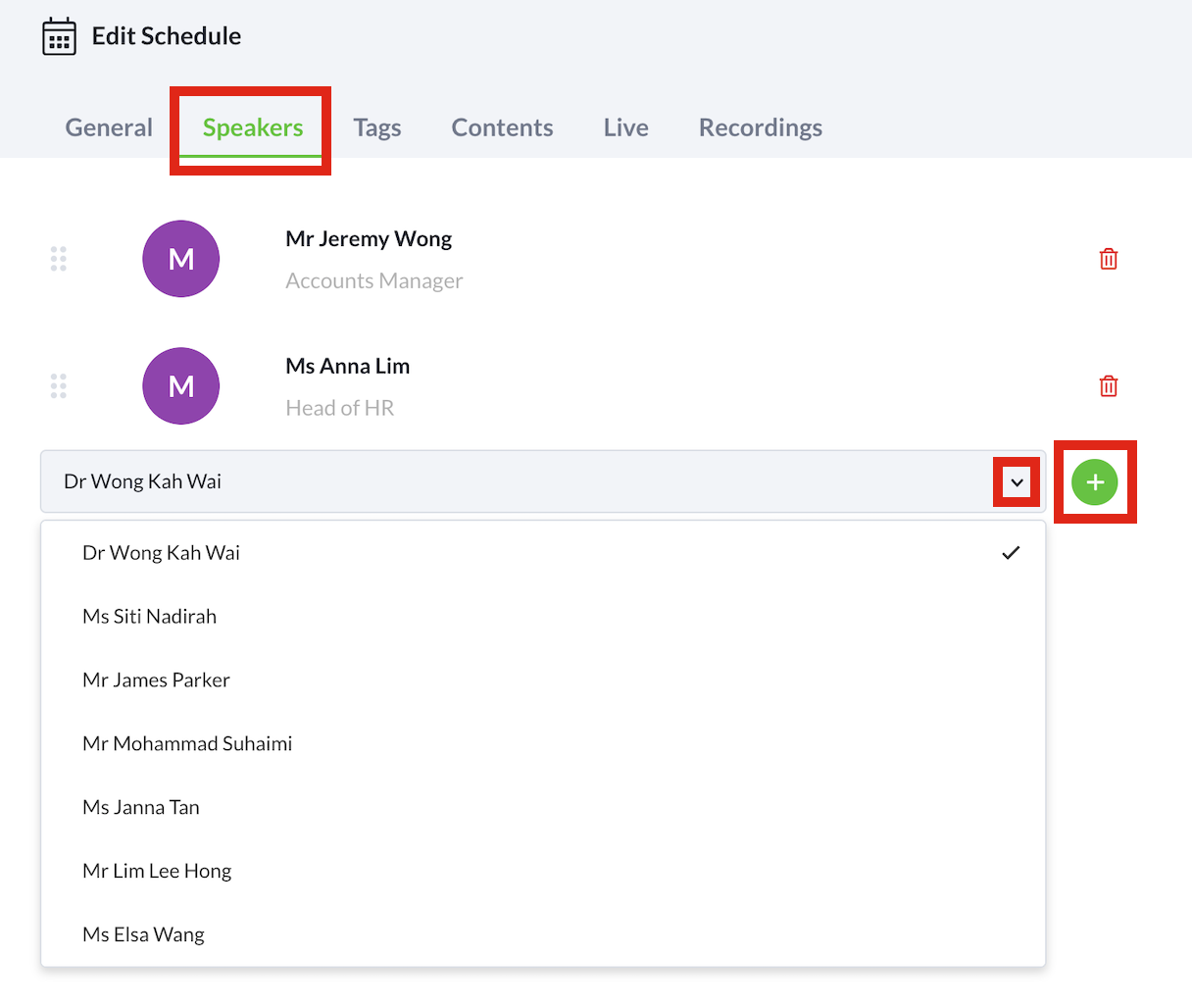
- Select the Speakers tab.
- While on the Speakers tab, select the speaker(s) for the session from the dropdown list.
- Select the + icon to add the speaker to the session.
- If there are multiple speakers, repeat steps 3 and 4.