- From the Schedule feature, select the session by clicking on the time or title of the event.
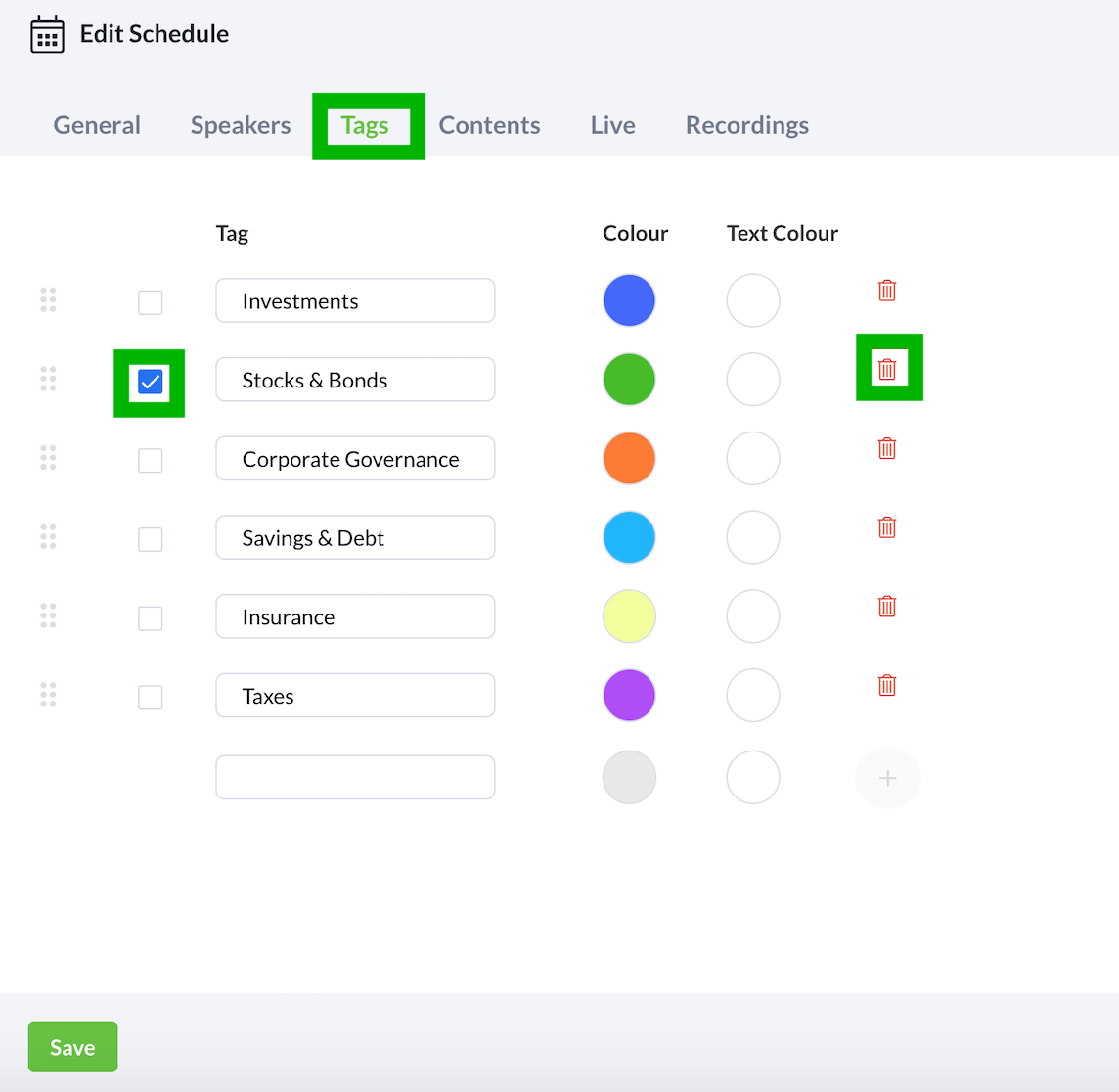
- Select the Tags tab.
- While on the Tags tab, fill in the title and select an appropriate colour and text colour for the tag.
- Toggle the checkbox on the same row to tag the session.
- To remove a tag, toggle the checkbox off.
- To delete a tag, select the dustbin icon on the same row of the tag you wish to delete.