Go to Micepad
Open sidebar
⌘K
Home
🔧 Features
Managing a multi-day event event
Managing a multi-day event event
Table of contents
From the
Schedule
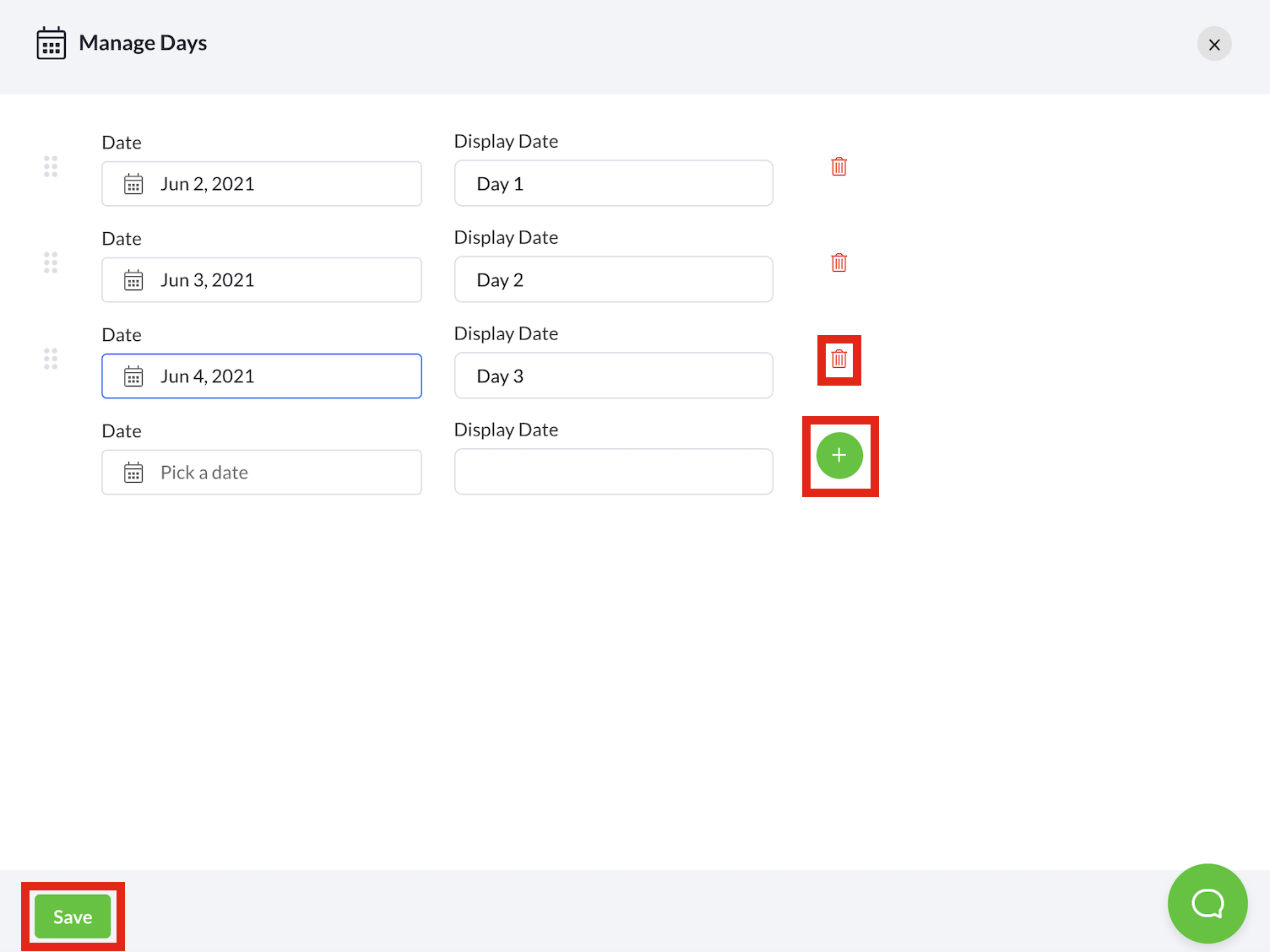
feature, select the
Manage Days
button.
Select the relevant dates and change the
Display Date
.
Select the
+
icon to save the details.
Proceed to part © to start creating a schedule for your multi-day event.
Was this article helpful?
Yes
No
Updated on
Aug 08, 2024
Can't find what you're looking for?
Send us an email
Accessing the Schedule feature
Creating a new schedule for your event
On this page
Name
Email
Subject
Message
Send