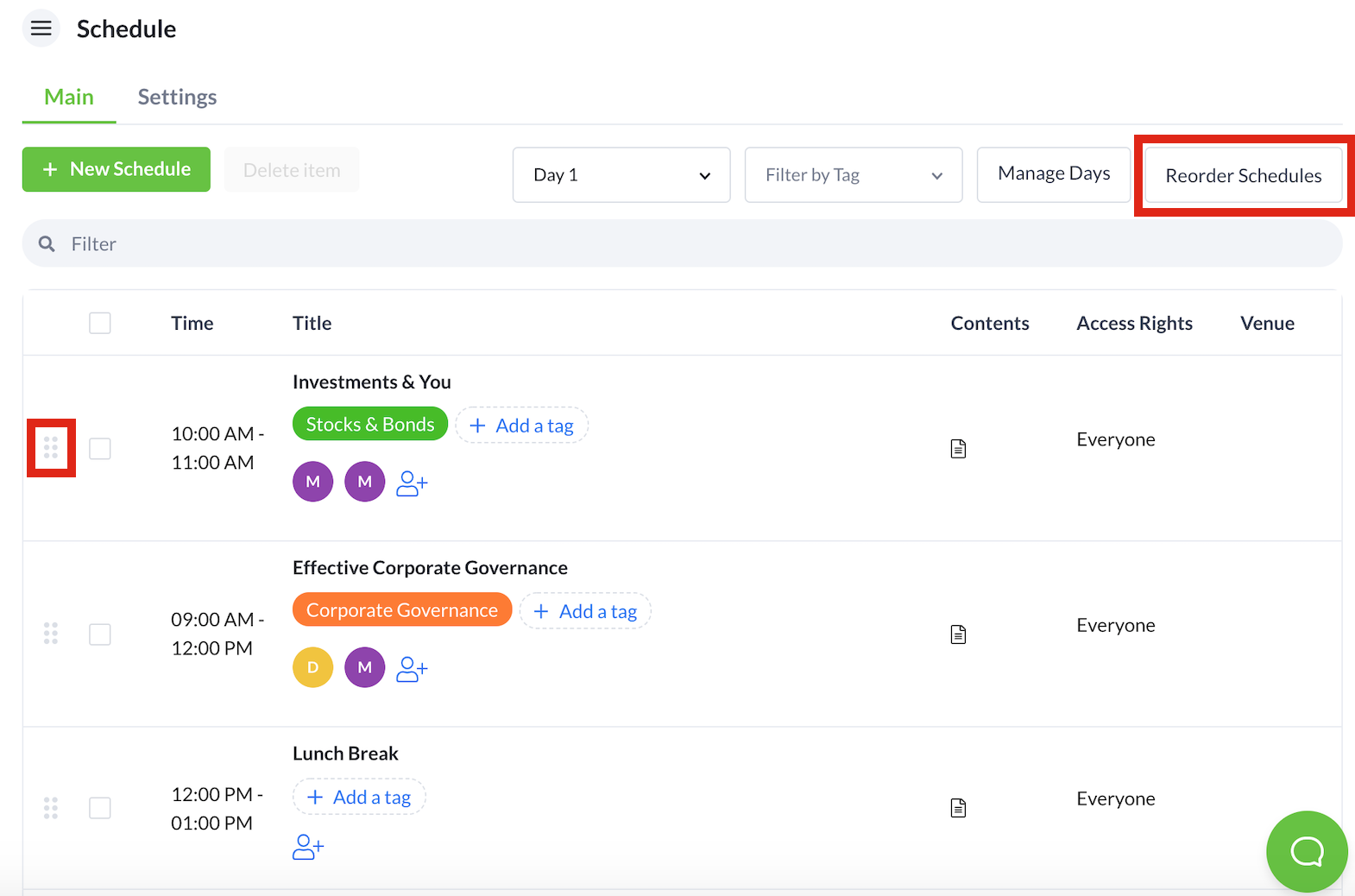
- From the Schedule feature, hover your mouse over the six dots located on the same row as the session you wish to reorder.
- Drag and drop the session to the desired order.
- Micepad automatically saves the changes made. However, you can manually save the changes as well by selecting the Reorder Schedule button.