Go to Micepad
Open sidebar
⌘K
Home
🔧 Features
Deleting speakers from your event
Deleting speakers from your event
Table of contents
From the
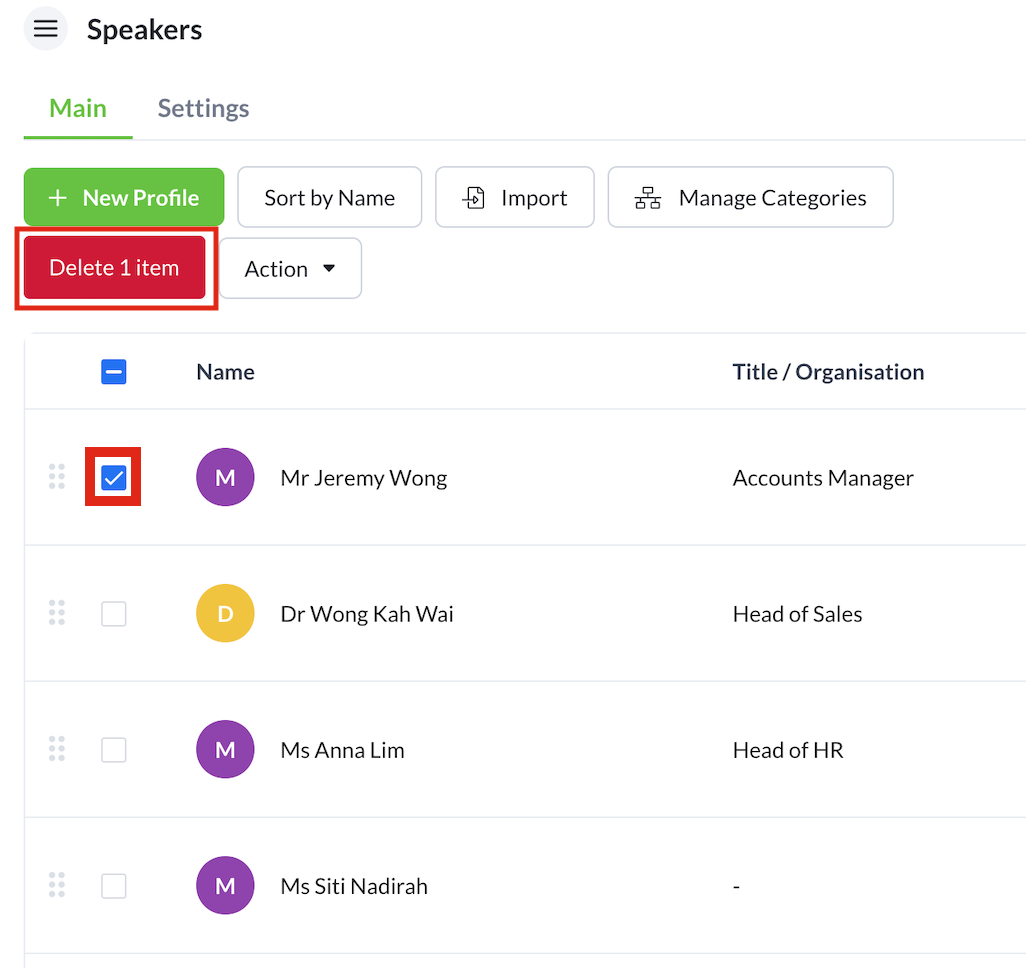
Speakers
feature, select the checkbox next to the names of speakers you want to delete.
Ensure that you have selected the right speakers since this action is irreversible.
Select the
Delete item
button, and press
Delete
.
Was this article helpful?
Yes
No
Updated on
Aug 08, 2024
Can't find what you're looking for?
Send us an email
Importing speaker list
Accessing the Schedule feature
On this page
Name
Email
Subject
Message
Send