- From the Speakers feature, select Manage Categories.
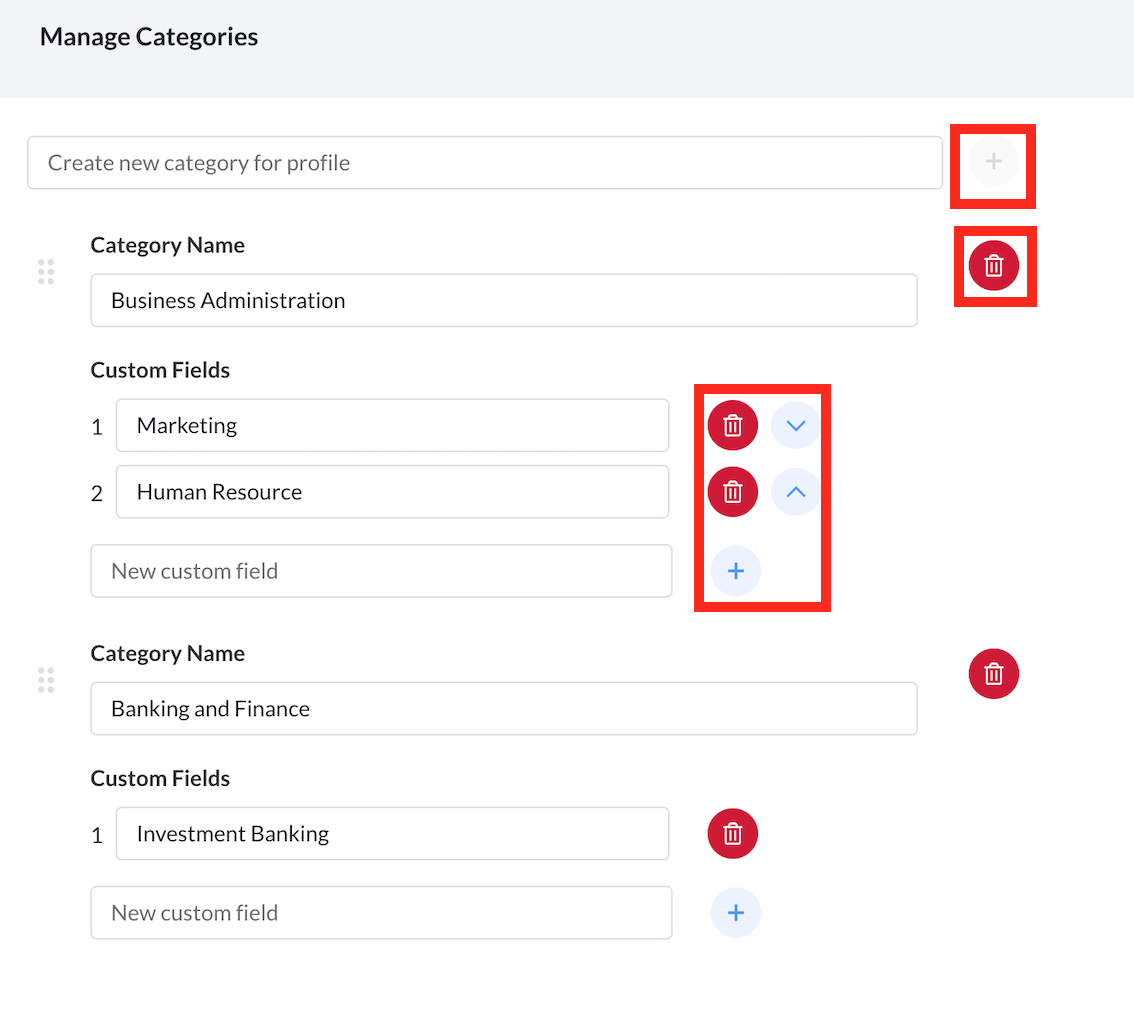
- To create a new category, fill in the relevant title in the Create New Category box, and select the + icon.
- Under each category, you can create custom fields by filling in the relevant details and selecting the + icon.
- To delete a category, select the dustbin icon and select Delete.